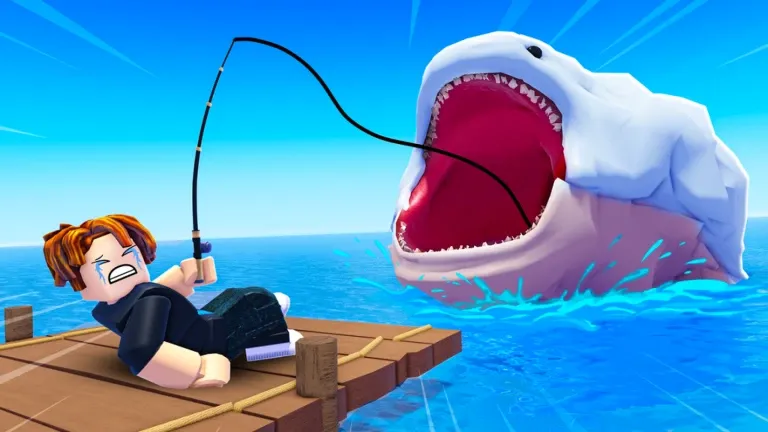


- Jump into Fish It! and complete the tutorial
- Continue to fish and complete quests to reach Level 10. You may have to get to Level 11 despite it saying Level 10 in-game.
- Look for the Store Icon at the top of the screen. It’s the red basket.
- Scroll down to the bottom of the Exclusive Store.
- Enter the code under Redeem Codes.
- Hit Redeem and enjoy your goodies!
Expired Fish It! Codes
These codes can no longer be redeemed, but they’re listed here so you can still try if you like!
- CRESCENT
- NEWYEARLANTERN
- PIRATEMAJA
- LEVDEN
- FREECRYSTAL
- THEDEN
- 3BILLION
- SCALE2
- SCALEREFUND
- GIFTGIVING
- CELEBRATE
- COUNTTRANSCENDEDSTONES
- GO2026
- 2BILLION
- HAPPY2026
- EXPANSION
- 1BILLION
- PURPLEMOON
- LUCKYTOTEM
- CRYSTALS
- TOTEMREFUND
- BLAMETALON
- MUTATE
- TRAVEL
- SHARKSSS
- 100M
- ARMOR
- SORRYSPINS
- FREEBIES
Why Isn’t My Fish It! Code Working?
Codes for Roblox experiences are usually case-sensitive, so the best way to ensure you’ve got a working code is to directly copy it from this article. We check all codes before we upload them, so you can guarantee they’re working. Just double-check that you haven’t copied over an extra space!
When is The Next Fish It! Update?
Fish It! typically launches its updates on Saturdays. The next update will expand on the Easter Event on Saturday, April 11.. Previously, we had the first Easter Event update which added 24 new fish, the Easter Island, an egg machine, and plenty more.
Lauren Harper is an Associate Guides Editor. She loves a variety of games but is especially fond of puzzles, horrors, and point-and-click adventures.